


Your No-Nonsense Guide to PLM Software Development in 2026
Around 95 out of 100 new product launches fail, according to MIT Professional Education. Misaligned processes, rising costs, and small errors put products in jeopardy long before customers see them. In 2026, that risk sits against a growing market for the tool built to reduce it: product lifecycle management (PLM) software. This guide walks product managers, engineers, and manufacturers through what PLM systems do, how to build one, how to integrate it, and where AI and cloud delivery are taking the field. Relevant builds custom software with dedicated teams, and we wrote this to show how these systems come together.
PLM software changes how you develop, launch, and maintain products. It simplifies the management of every lifecycle stage while keeping costs down.
What are PLM systems and the PLM process?
Product lifecycle management is the process of managing a product as it moves from one stage to the next. It helps you steer direction from the first idea, through development, and on until the product is discontinued.
As products grow more complex, more processes go into creating them and overseeing their lifecycles. That is why companies turn to software to keep things organized.
PLM systems do exactly that. They handle the details of the PLM process across development, release, and service, all the way to end of life. You can use this software for almost any product, from an air pollution monitor to an electric vehicle.
How is the PLM app development market doing?
The PLM software market reflects the wider push toward digital operations. The global PLM market stands at about $29.74 billion in 2026 and is projected to reach $55.61 billion by 2034, a compound annual growth rate of 8.10% (Fortune Business Insights, 2026). Cloud deployments now drive most of that revenue, and vendors are embedding AI across engineering and lifecycle data.
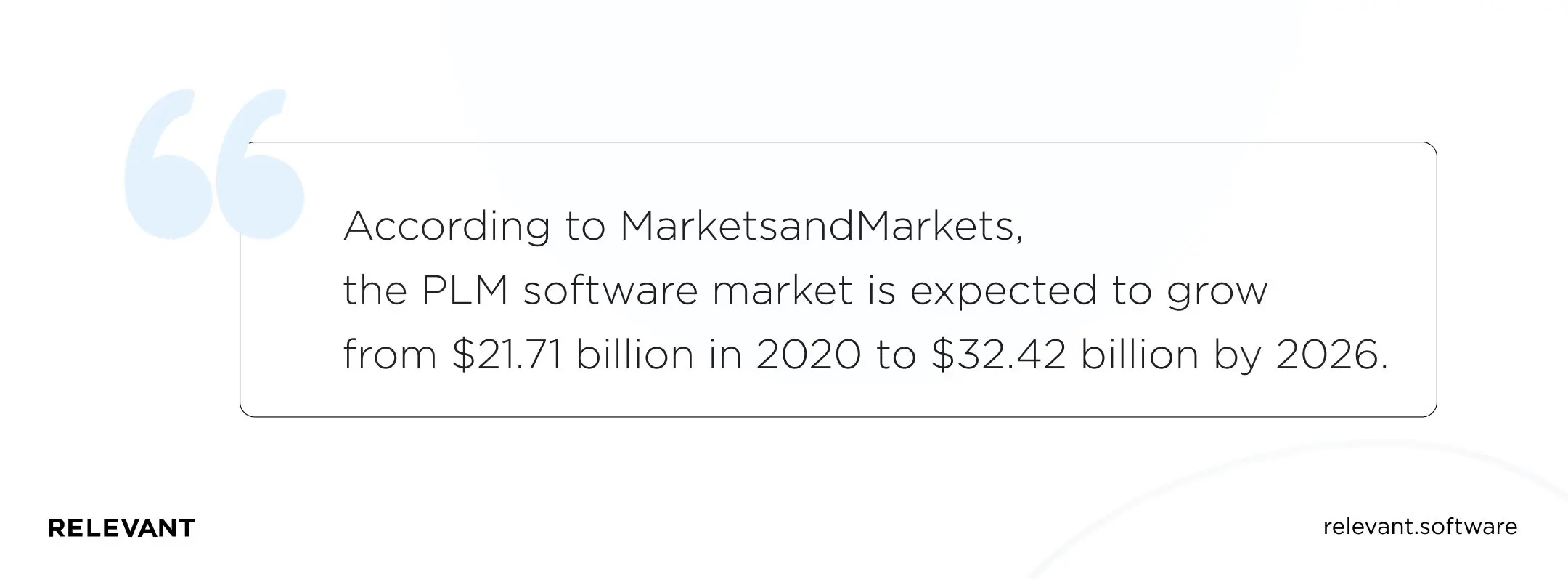
What does this mean for you? A growing market is a good sign. It is not oversaturated and has many strong players, so now is a sensible time to adopt a PLM system as part of your digital transformation plans.
Companies adopt PLM systems across manufacturing, automotive, engineering, and other industries. Many choose the PLM software-as-a-service (SaaS) model to get a ready solution up and running fast.
Here are five major product lifecycle management software companies today:
- Siemens Digital Industries Software
- PTC
- Autodesk
- Dassault Systèmes
- Arena (a PTC business)
These vendors offer cloud-based PLM software, mostly for manufacturers. You can get started by choosing a plan and rolling out an existing solution. Most run time-limited free trials, so you can test each SaaS provider before you commit. None of them offer free PLM software.
One caution: cloud-based solutions ship with the features the vendor built in. You cannot change them or add new functionality to an existing system. If you want full control over your PLM, you need a custom solution instead of SaaS software.
Why and when should you adopt PLM software development?
PLM software now takes the place of spreadsheets, the same way spreadsheets replaced older product management methods. Here is why you want software behind your PLM:
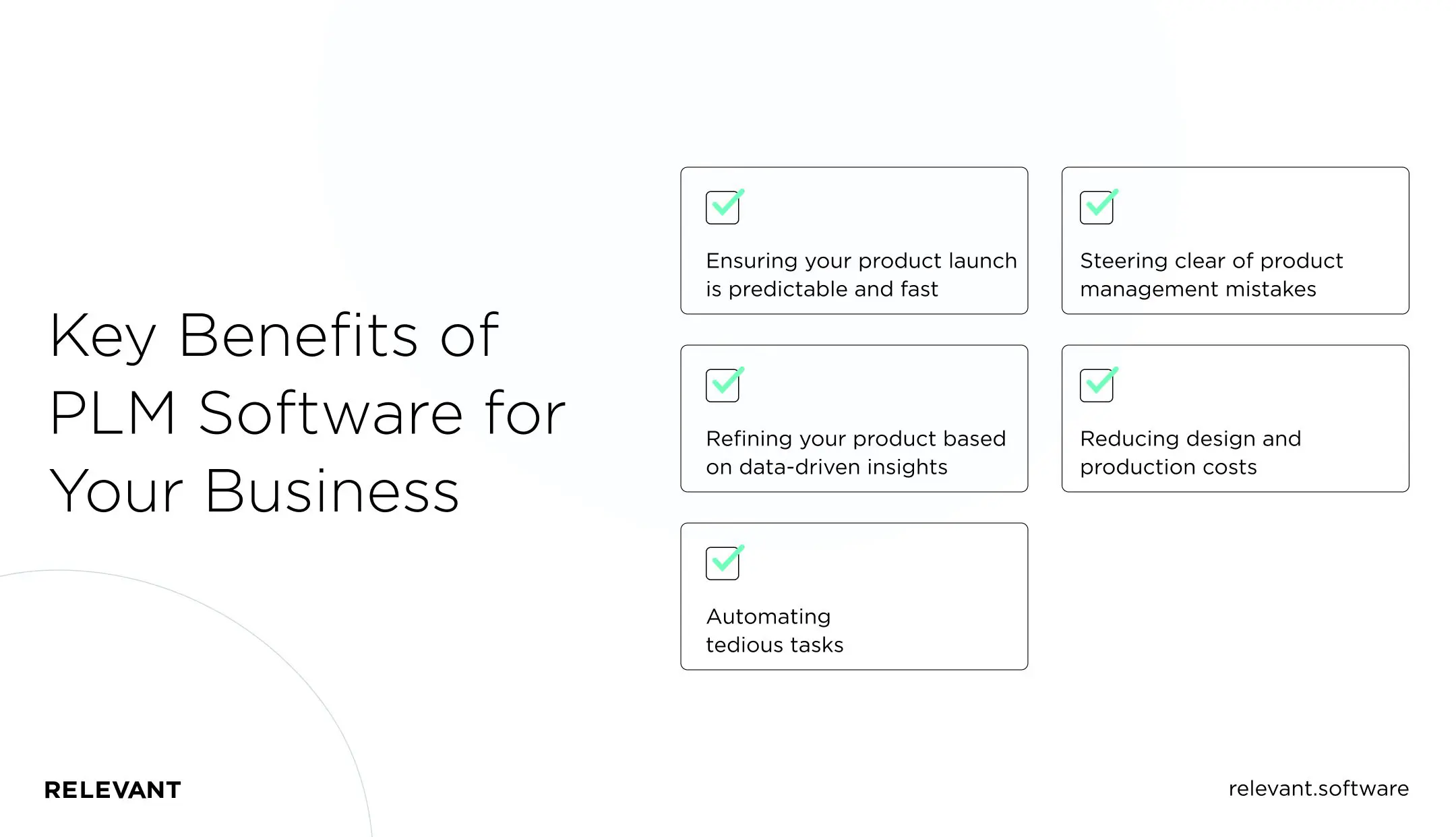
- A predictable, fast product launch. PLM software reduces friction between your departments and supply chain partners. It works as a single workspace where everyone does their job, keeps others in the loop, clears roadblocks, and moves a product to market.
- Refinement based on data. There is a lot to do after launch. When customers get their hands on the product, you often need design improvements based on their feedback. PLM software lets you track every change and refinement as you improve the product.
- Automation of tedious tasks. Every PLM solution exists because teams need faster processes. It automates how your teams exchange documents, communicate, and track KPIs across a product’s journey. It can also monitor product approval status, a major concern for manufacturing and pharmaceutical companies.
- Fewer product management mistakes. Even a small mistake can derail a product. PLM software acts as a control layer over your design, manufacturing, and sales processes. It helps you avoid non-compliance risks and other issues caused by human error during production.
- Lower design and production costs. With a fully integrated PLM solution, you keep costs down at every stage. When engineers edit a blueprint, your procurement team sees the new materials to buy and the exact quantities. You avoid excess inventory and avoid running short of materials mid-production.
If you are still weighing PLM software, here are a few signs you may have needed it already:
- Your latest product took far longer to reach market than expected.
- A promising product failed at the production or launch stage.
- You lost money because of inaccurate product development cost estimates.
- Your teams and partners could not communicate well, which delayed a launch.
- You discontinued a product before it reached maturity.
- Your customer satisfaction dropped because you failed to redesign or improve a product based on user input.
PLM software helps you avoid all of this. It pays off as long as your teams collaborate on a product, and it keeps you aware of what happens across the lifecycle.
Product lifecycle management app development: Features, steps, integrations, and challenges
Adopting PLM is not an overnight job. Get a firm grasp of the subject before you look for a development team or sign up for ready-made software.
What does PLM software do, and how does it work?
PLM systems organize everything you do across a product’s lifecycle. But what is PLM software used for in context?
Imagine you are about to introduce a new product. Documents pile up on desks, your teams worry about a shortage of materials, and you have not started commercialization tasks yet.
PLM keeps that under control. It combines your documents, timelines, cost estimates, data, and processes in one place and connects all your teams and supply chain partners. A chaotic workflow becomes manageable again.
Common PLM features and capabilities
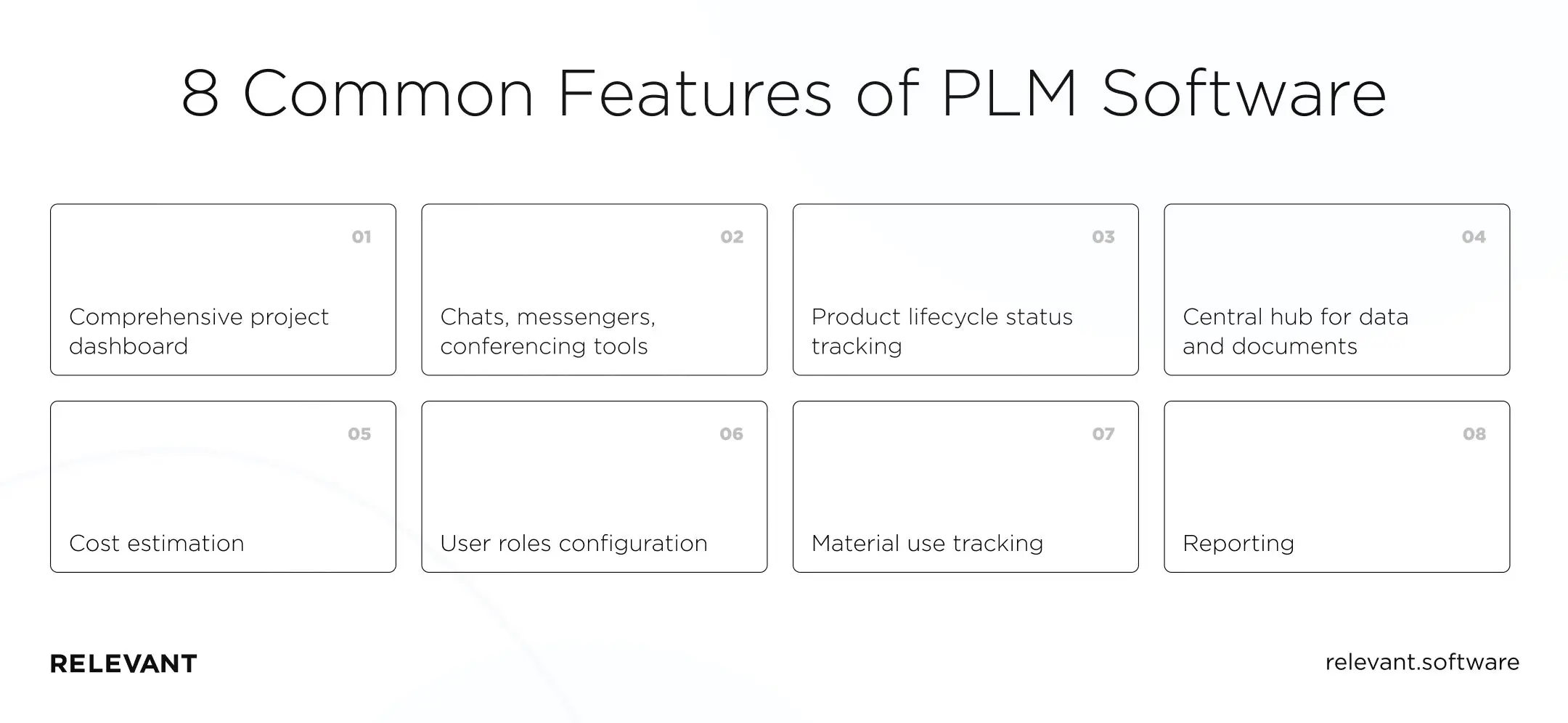
The features you want in your PLM software should match your industry, your product details, and your workflow requirements. Most likely, these are the essentials:
- Comprehensive project dashboard
- Chats, messengers, conferencing tools, and other collaboration features
- Product lifecycle status tracking
- Central hub for data and documents
- Cost estimation
- User roles configuration
- Material use tracking
- Reporting
The key capabilities of PLM software let you manage:
- Design iterations
- Bills of materials (BOMs) and inventory levels
- Product requirements and compliance
- Product quality and feedback-based improvements
- Manufacturing and commercialization processes
- Collaboration workflows
- Product changes
Specialized product lifecycle management applications can add more features and capabilities. These are often industry-specific or built for companies with unusual workflows. In 2026, that extra layer increasingly means AI copilots for engineering data and a digital thread that links design, production, and field data end to end.
Key steps of PLM software development
Software development is not simple at first glance. But when you know what to do and do it consistently, you get from A to Z with less trouble, including with PLM software development.
This brief guide gets you there with less hassle:
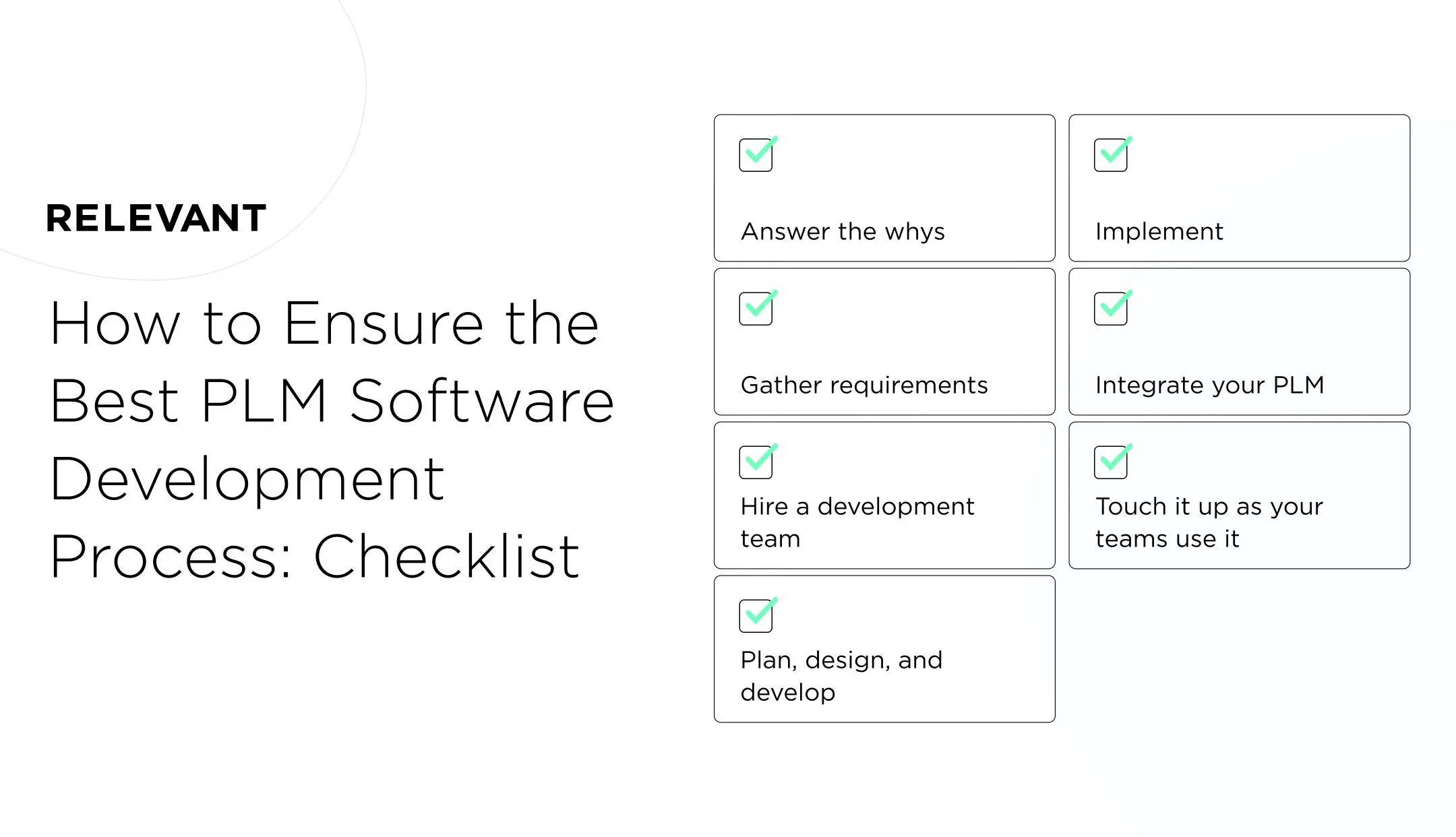
- Answer the whys. Do not develop PLM software without knowing why you need it. First, decide why you want it and how it will help your product managers do their jobs better.
- Gather requirements. Before searching for dedicated software development teams, create a list of features, capabilities, and process requirements for your future PLM app. This moves the process forward.
- Hire a development team. Involve the people who will use your PLM software (product managers, engineers, designers, and others) when you hire developers. They help communicate the problems the software should solve.
- Plan, design, and develop. Set the milestones and choose the PLM software architecture that fits your business processes. Let your development team design the frontend and write the code behind it. Be clear about which UI/UX features matter most.
- Implement. When the PLM backend is stable and tested, deploy your solution. Make sure it is configured for your product management processes and systems.
- Integrate your PLM. PLM software is just another system unless it works with your other internal and external systems. Have your development team connect it to all the data, processes, and software you use for product management.
- Refine it as your teams use it. You may hit duplicate data or non-optimized processes after release. Your developers should sort these out as you keep using the software.
Set up a training program for your teams before you roll out PLM software. Help your product managers, procurement specialists, and other staff build the skills they need so they do not get stuck in a new system after launch.
PLM integration
Bringing PLM software together with your other enterprise systems is a big and necessary step. A PLM solution will not deliver efficiency on its own.
Left non-integrated, PLM software can do more harm than good. It can block collaboration by leaving teams with inconsistent, repetitive tasks. When product data is walled off in PLM tools that other systems cannot reach, staff waste time entering the same data twice.
Non-integrated PLM software also loses things. If product design changes never reach the systems your procurement specialists and engineers use, improvements stall. The same goes for partner updates that get lost when your systems stay disconnected.
So integrate your PLM software across the enterprise. That includes document tools, enterprise resource planning (ERP) software, computer-aided design (CAD) solutions, customer relationship management (CRM) systems, and others. In 2026, cloud-native, API-first PLM makes this ERP-PLM connection far easier than the older on-premise setups did.
Development and integration challenges
Building, integrating, and launching PLM software rarely happens without challenges. They come up for every company, small or large, and show up as:
- Compatibility challenges (when you already run some PLM software)
- Product data challenges (when data risks being stored, analyzed, or exchanged the wrong way)
- Software functionality challenges (when SaaS PLM meets your needs only partway)
- Legacy systems and outdated processes (when you cannot implement PLM until you update your other systems)
- Skill-related challenges (when teams are not ready to adopt new technology)
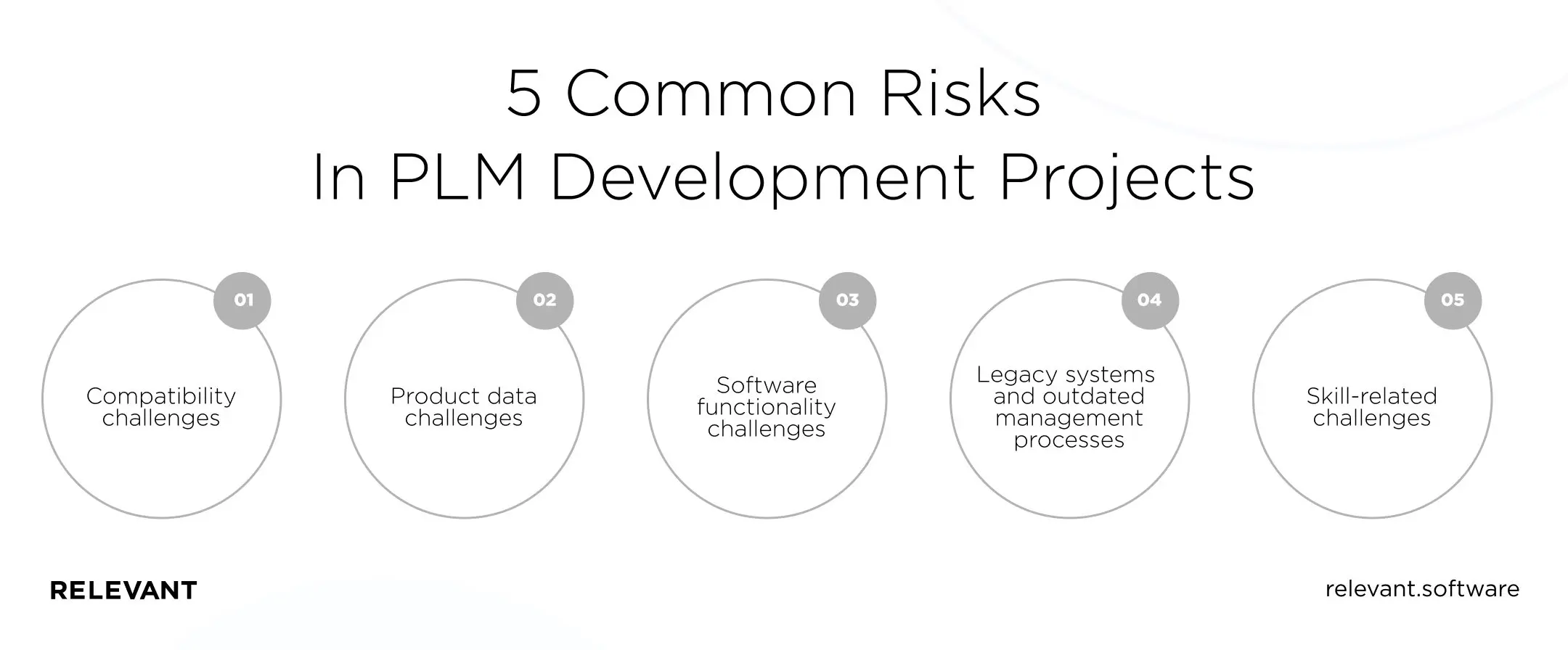
The good news: these challenges are not insurmountable. Much comes down to how good your development team is and how high the Internet of Things (IoT) sits on your PLM software list.
PLM in the IoT landscape
With zettabytes of data coming from IoT devices, you need a resilient environment to store, monitor, and manage it. PLM software can be the foundation of that environment. By capturing real-time IoT data and linking it to your systems, it strengthens your analysis and product value. Here is how PLM software helps businesses that use IoT products:
- When building IoT solutions, you can use various PLM tools for data modeling, management, and analytics. Cloud-based versions work especially well, moving your development past storage and scalability limits.
- Integrated with your IoT solution in the cloud, PLM software speeds up launches and streamlines connections with other IoT devices. The result is a smoother layered product with a user-centric experience that you can extend with built-in artificial intelligence (AI).
- If you use IoT devices to design, manufacture, or maintain products, a PLM system can become your decision-making center. Structured IoT data lets you see how a product is doing and request real-time BOM or requirement changes.
- You can also make predictions within and beyond PLM, such as supply chain problems or a drop in product demand. IoT-driven PLM software connects data with your resource planning and field performance stats.
PLM and IoT are a strong match. Relevant can help you with both PLM and IoT software development.
It’s your move
A product lifecycle management app or web-based system lets your teams manage a product’s journey with the tools they prefer, without data discrepancies. That connected workspace delivers accuracy and helps you make every launch a success.
A custom PLM solution gives you the most product management value, because a SaaS vendor does not pre-define its features. To control spend, you can hire remote developers at hourly rates lower than in your home market. Given Ukraine’s outsourcing climate and access to talent, building a team abroad is worth considering.
Relevant has deep expertise in PLM software development. As your remote team, we build custom yet cost-effective solutions, whether you are a startup or a multi-facility manufacturer connecting global devices to a single system.
We have already run large-scale software projects with an eye to IoT, including:
- Sensor Innovation: a smart water leak detection solution with real-time sensor data monitoring.
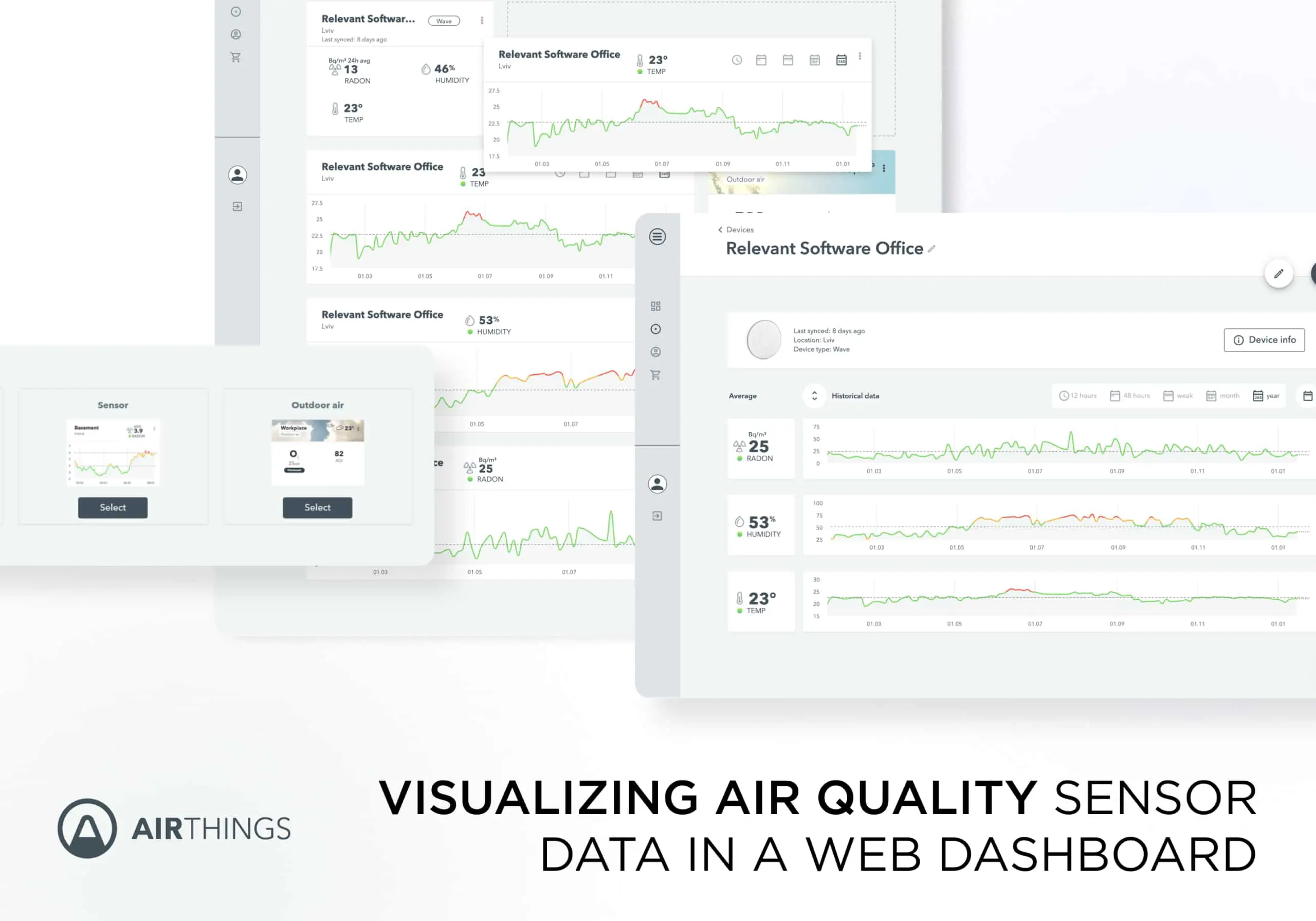
- Airthings: a unified system that registers data from radon and air quality monitors and triggers automated alerts.
Stop flying blind as you develop products or handle IoT data. Contact Relevant to discuss your PLM software project.


